어떻게 연결되는가
집의 GPU, 하나의 사설 네트워크.
inference.club is a Tailscale tailnet that joins consumer hardware — RTX PCs, the DGX Spark, Apple silicon — so members can safely expose their inference through one unified API, across the whole range of AI modalities: chat, images, video, speech, music, 3D.
추천 생성물
이 네트워크에서 만들어진 작품
커뮤니티가 가져온 하드웨어에서 생성된 실제 요청들입니다. 카드를 클릭하면 전체 요청을 볼 수 있습니다.

disco funk vibes party
“Type text, pick a voice, and synthesize natural speech.”
summarize this article: AI Outperforms Law Professors in Stanford Law Study In a rigorous blind study, law professors overwhelmingly preferred AI-generated answers to student legal questions over answers written by fellow law professors—and flagged the AI answers as potentially m…
**Summary** A blind study led by Stanford Law professor Julian Nyarko found that law professors overwhelmingly preferred AI‑generated answers to contract‑law questions over answers written by their fellow professors. In a head‑to‑head comparison of nearly 3,000 anonymized respon…


OpenAI SDK에 바로 적용.
가입하고 토큰을 발급한 뒤 클라이언트를 api.inference.club/v1로 지정하세요. 네트워크의 모든 모델이 요청 한 번이면 됩니다.
export OPENAI_API_KEY=ic_xxxxxxxxxxxxxxxxxxxx
export OPENAI_BASE_URL=https://api.inference.club/v1

curl $OPENAI_BASE_URL/chat/completions \
  -H "Authorization: Bearer $OPENAI_API_KEY" \
  -H "Content-Type: application/json" \
  -d '{
    "model": "qwen/qwen3.6-27b",
    "messages": [
      {"role": "user", "content": "explain MoE in one sentence"}
    ]
}'OpenAI 호환 서버를 감싸세요.
이미 vllm, llama.cpp, ollama를 실행 중이신가요? 에이전트를 그쪽으로 지정하면 네트워크의 노드가 됩니다.
# Already running vLLM, llama.cpp, or Ollama on your GPU?
# Point the agent at it and join the network.

export INFERENCE_CLUB_API_KEY=ic_xxxxxxxxxxxxxxxxxxxx
export OPENAI_BASE_URL=http://localhost:8000/v1
export OPENAI_API_KEY=local-key  # whatever your local server expects

docker run --rm -d --name club-agent --network host \
  -e INFERENCE_CLUB_API_KEY \
  -e OPENAI_BASE_URL \
  -e OPENAI_API_KEY \
ghcr.io/inference-club/inference-club-agent:latest아키텍처
세 가지 요소. 마법은 없습니다.
코드에서 GPU로, 그리고 다시 돌아오는 하나의 요청을 따라가 보세요. 클라우드 컨트롤 플레인이 인증하고 개인정보 규칙을 적용하며 라우팅하지만, 모델 자체는 당신이 소유한 하드웨어에서 실행됩니다.
운영자가 에이전트를 실행
회원은 로컬 LLM 서버 옆에서 inference-club-agent를 실행합니다. 에이전트는 서버가 호스팅하는 모델을 알립니다.
에이전트가 tailnet에 합류
각 에이전트는 단기 Tailscale 키를 받아 사설 메시에 합류합니다. 공개 엔드포인트도, 포트 포워딩도 없습니다. 오직 WireGuard뿐입니다.
소비자가 요청을 전송
api.inference.club로의 호출은 요청한 모델을 제공하는 온라인 에이전트로 라우팅됩니다. 스트리밍이 작동하며 지연 시간은 직접적입니다.
Your application
curl · OpenAI SDK · the Playground · your agents
api_key = "ic_xxxxxxxxxxxxxxxxxxxx"
api.inference.club — the control plane
one small cloud VPS (Hetzner). It routes; it never runs the model.
Caddy
TLS · reverse proxy
Django + DRF
OpenAI-compatible /v1 router · auth · routing
Access control
visibility · per-service ACLs · kill switch
Celery workers
async jobs · batches · workflow DAG
Postgres + Redis
state · queue · throttling
GCS
images · video · voice · music
The inference.club tailnet
a private Tailscale mesh — pure WireGuard
Your rig — where inference actually happens
a GPU you own, at home, on hardware you trust
inference-club-agentcontainer · --network host Joins the tailnet with its minted key, advertises models from agent.yaml, and forwards each request to whatever you already run locally:
→ http://localhost:1234/v1
Follow one request
- 1Your code calls api.inference.club/v1 with your ic_ key — the same request you’d send OpenAI.
- 2Caddy terminates TLS; Django authenticates the key and applies your privacy + access rules.
- 3The router picks a healthy, online node that actually serves the requested model.
- 4Django (via a Tailscale SOCKS5 sidecar) dials the node by MagicDNS over WireGuard — no ports, no tunnels.
- 5The agent container hands the request to your local LLM server on localhost.
- 6Tokens (or images / video / audio) stream back along the exact same path.
In one breath
“inference.club is what happens when you point an OpenAI-compatible API at a pile of consumer GPUs you actually own and trust — a private Tailscale tailnet quietly stitching a 4090 here, an M3 Ultra there, a DGX Spark and a couple of 3090s into one WireGuard mesh with no ports forwarded and no firewall holes, where a littleinference-club-agentcontainer sits next to whatever you’re already running — vLLM, llama.cpp, Ollama, LM Studio — and advertises it through a manifest, while back in the cloud a Django + Celery server behind Caddy authenticates youric_key, enforces your privacy and per-service access controls, and routes the call over the tailnet by MagicDNS to a healthy online node, with Redis and Postgres driving async jobs, batches and a whole workflow DAG engine, GCS holding the images, video, voice and music that come back, a Nuxt playground and dashboard to poke at all of it, the home fleet itself migrating from Docker to k3s, and the entire thing — chat, images, LTX-2 video, Dia voice cloning, speech, the works — sitting behind one base URL you can curl, so go ahead and build something, and, as the prompt says: Make no mistakes.”
왜 inference.club인가
이렇게 만들었습니다 오픈 모델 이 실제로 동작하는 방식에 맞춰.
OpenAI 호환
바로 교체 가능. 기본 URL과 키만 바꾸면 기존 SDK와 프롬프트가 그대로 작동합니다.
진짜 GPU, 진짜 모델
회원들은 자신의 하드웨어에서 오픈 웨이트 모델을 제공합니다: Qwen, Llama, DeepSeek, Mistral, Gemma.
기본적으로 비공개
요청은 Tailscale을 통해 종단 간 암호화되어 제공자에게 도달합니다. 스크래핑할 공개 엔드포인트가 없습니다.
벤더가 아닌 클럽
신뢰하는 사람들과 컴퓨팅을 모으세요. 여유 자원이 있을 때 노드를 가져오세요. 필요할 때 네트워크를 사용하세요.
블로그에서
모든 게시물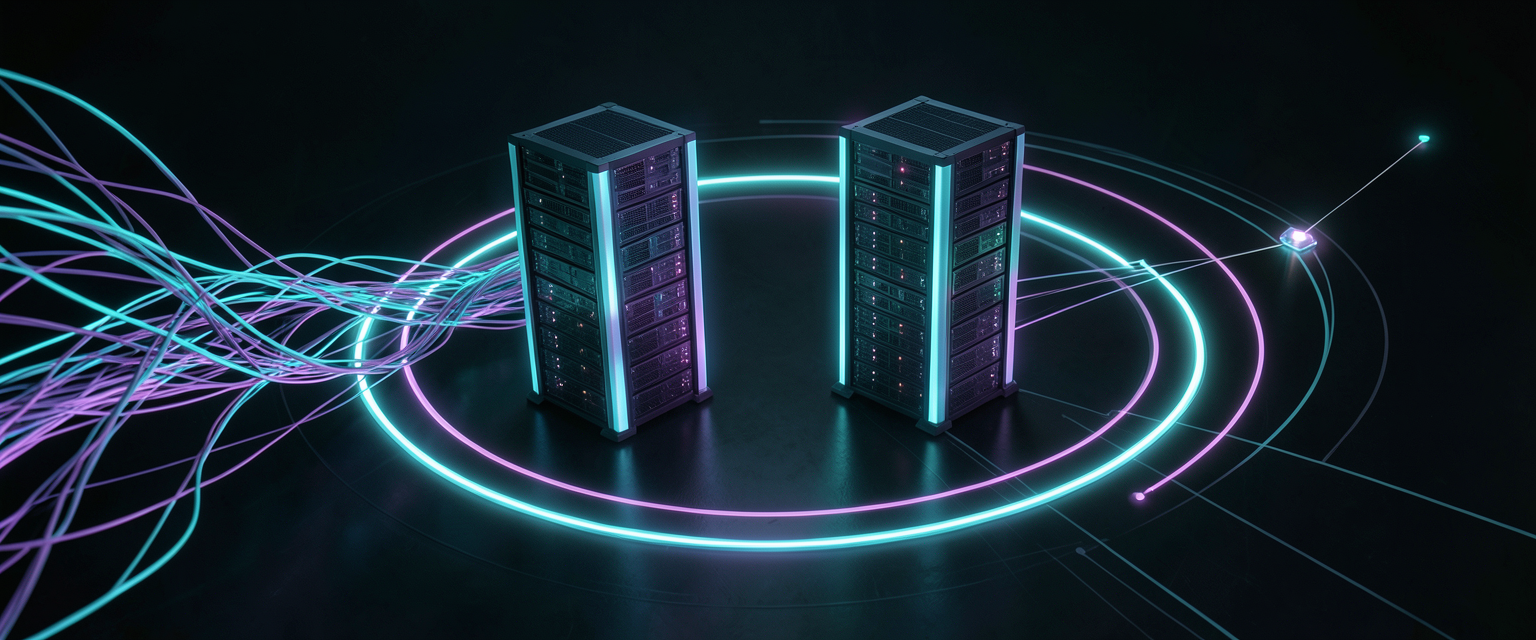
추천
From docker sprawl to k3s: rebuilding my home inference fleet
A 'healthy' mesh-generation service sat wedged for three days while my agent.yaml described services that didn't exist. So I moved four GPU boxes — three RTX 4090s and a DGX Spark — onto k3s and taught the inference-club-agent to discover services from the Kubernetes API instead of a config file. Health checks lie; queues don't. Config is fiction; clusters are testimony.